Roblox Beta vs Official Roblox App: Which One Should You Use in 2026?
If you’ve been playing Roblox for a while, you’ve probably noticed something. Your friend logs in one day and shows off a feature you don’t even have yet. New menus, smoother avatar movement, or a game mode you’ve never seen before. You start wondering if you’re missing something, or if your app is simply outdated.
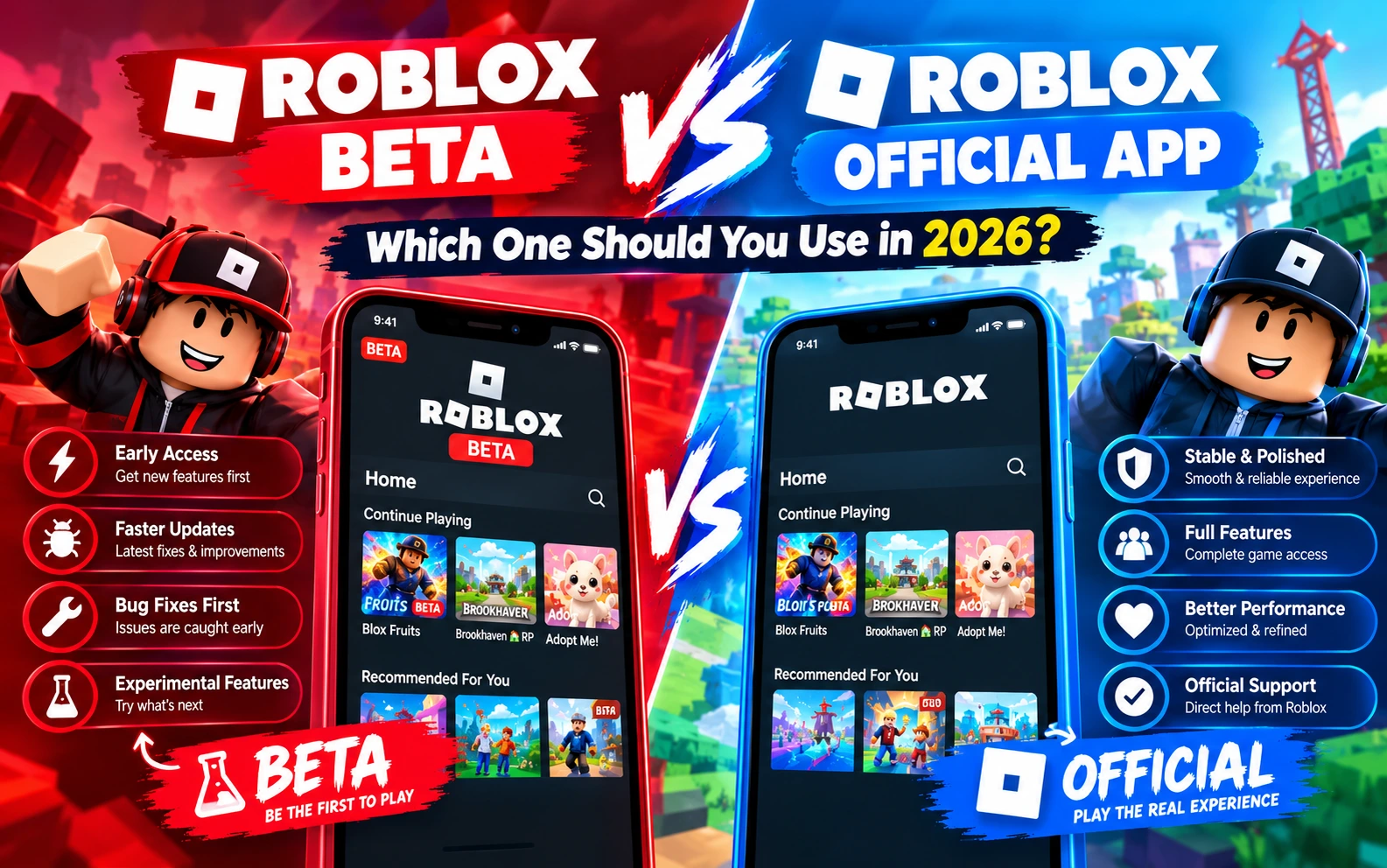
That’s usually where the confusion between Roblox Beta vs Official Roblox app begins. Both apps let you play the same games and use the same account, but they don’t work exactly the same way. This guide breaks down the real differences so you can decide which version actually fits how you play.
What Is the Official Roblox App?
The Official Roblox app is the standard, stable version available on the Google Play Store and Apple App Store. Millions of players use this version every day, and it’s the one Roblox Corporation officially supports across every platform.
This version goes through full testing before release. Features are polished, bugs are mostly ironed out, and updates roll out on a predictable schedule. If you want a version that “just works” without surprises, this is it.
Key traits of the official app:
- Fully tested and stable
- Available on all major app stores
- Regular, well-documented updates
- Works reliably on most Android and iOS devices
- Backed by official customer support
What Is Roblox Beta?
Roblox Beta is an early access version of the platform. It’s built for players who want to try new features, interface changes, and performance tweaks before they reach the general public. Think of it as a preview window into what’s coming next on Roblox.
Not every player gets the same beta build at the same time, since Roblox rolls out beta features gradually to different user groups. That means two people using Roblox Beta might actually see slightly different tools or menus, depending on what’s being tested with them.
Key traits of Roblox Beta:
- Early access to upcoming features
- Faster look at interface and performance changes
- Available primarily through APK installation on Android
- Feature rollout may vary between users
- Occasional bugs since features are still being refined
Roblox Beta vs Official Roblox App: The Real Differences
Let’s break this down by the things players actually care about.
1. Feature Access
This is the biggest reason players switch to Roblox Beta in the first place. New avatar tools, updated menus, and experimental game features usually show up in the beta version weeks (sometimes months) before they reach the official app.
If you enjoy being the first among your friends to try something new, Beta has a clear edge here.
2. Stability and Performance
The official app wins when it comes to consistency. Since every feature has already been tested on a large scale, crashes and glitches are rare.
Roblox Beta, on the other hand, is still a work in progress. Most updates run fine, but since you’re testing unfinished features, occasional lag, minor bugs, or unexpected behavior can happen. It’s usually nothing serious, but it’s worth knowing before you install it.
3. Installation Process
The official Roblox app installs directly through the Play Store or App Store in a couple of taps. No extra steps required.
Roblox Beta for Android typically installs through an APK file, since it isn’t always listed on the Play Store the same way. This means you’ll need to allow installations from outside sources on your device, which is a normal Android process but does require an extra permission step.
4. Device Compatibility
The official app supports Android, iOS, Windows, Mac, and other platforms with a consistent experience across all of them.
Roblox Beta is mainly focused on Android right now. iPhone and iPad users typically get early features through the App Store’s testing programs instead of a separate APK, since Apple doesn’t allow APK-style installations.
5. Update Frequency
Official app updates follow a scheduled release cycle, so you know roughly when to expect new content.
Beta updates arrive more frequently and unpredictably, since they’re tied to whatever Roblox is currently testing. Some weeks bring big changes, other weeks bring small performance tweaks.
Pros and Cons at a Glance
Official Roblox App
- ✅ Stable and reliable performance
- ✅ Available on every major platform
- ✅ Safer installation process through official stores
- ❌ New features take longer to arrive
- ❌ Less exciting for players who like trying new things early
Roblox Beta
- ✅ Early access to new features and tools
- ✅ Great for players who like staying ahead of updates
- ✅ Useful feedback loop, since your usage can influence final features
- ❌ Occasional bugs or performance hiccups
- ❌ Requires APK installation on Android
- ❌ Feature rollout isn’t the same for every user
Which One Should You Actually Use?
This really comes down to what kind of player you are.
Go with the Official Roblox app if:
- You want a smooth, predictable experience every time you log in
- You play competitive or high-stakes games where lag isn’t an option
- You’re using an older or lower-spec device
- You’d rather wait for fully polished updates
Go with Roblox Beta if:
- You enjoy testing new features before everyone else
- You’re comfortable installing APK files on Android
- You don’t mind occasional bugs in exchange for early access
- You want a more active, evolving Roblox experience
A lot of players actually keep both. They use the official app for everyday gameplay and switch to Beta when they want to explore what’s coming next. There’s no rule saying you have to pick just one.
Is Roblox Beta Safe to Use?
This is one of the most common questions players ask, and it’s a fair one. Roblox Beta isn’t a modified or hacked version of the game. It’s an early access build distributed for testing purposes, and you sign in using your regular Roblox account just like the official app.
That said, since it installs through an APK rather than an official app store, it’s worth downloading it only from a trusted source and keeping your device’s security settings in check. Avoid entering your account details anywhere except the actual Roblox login screen.
Final Thoughts
The Official Roblox app and Roblox Beta aren’t really competitors. They’re two different ways to experience the same platform. One prioritizes stability, the other prioritizes staying ahead of the curve.
If you’re the type of player who wants everything to work smoothly without thinking twice, stick with the official app. But if you like being part of what’s new before it goes mainstream, Roblox Beta gives you that front-row seat.
Whichever version you choose, both connect to the same Roblox account, the same friends list, and the same games. The only real difference is how early you get to see what’s next.
FAQs